You can send a direct link to an employee(s) wherein the employee can update the photo.
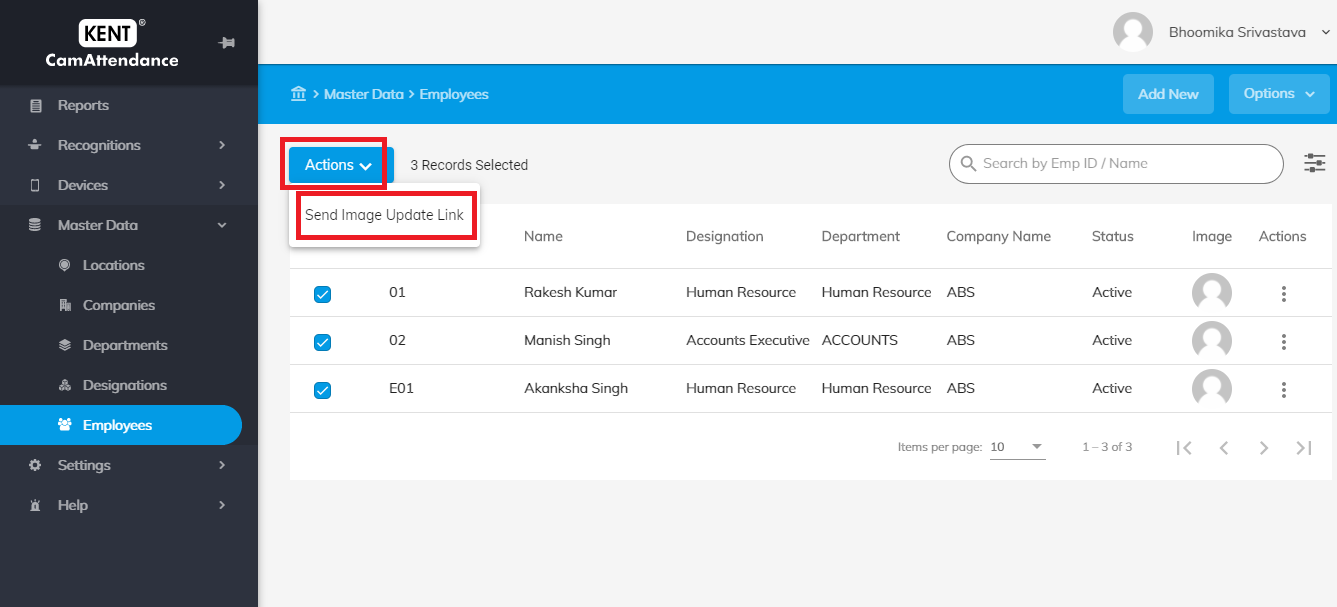
Navigate Employees > Select Employees Record > Actions > Send Image Update Link.
- You can select 1 or multiple no. of employees to send the image update link to an employee
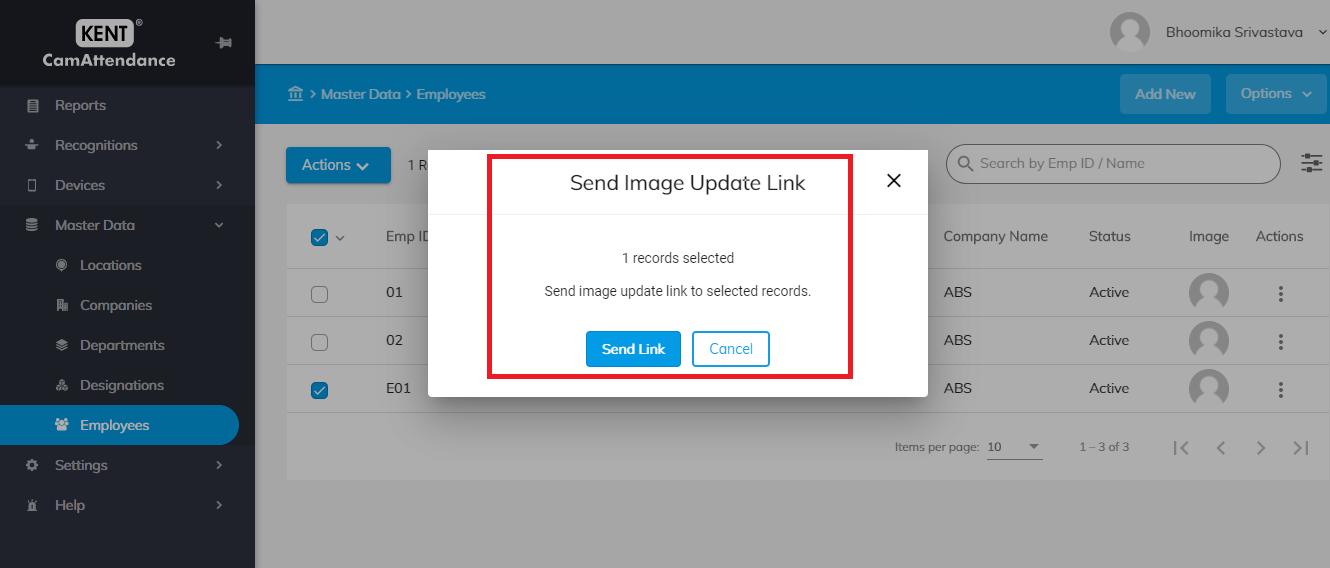
Click on Send Link to share image update link to selected record.
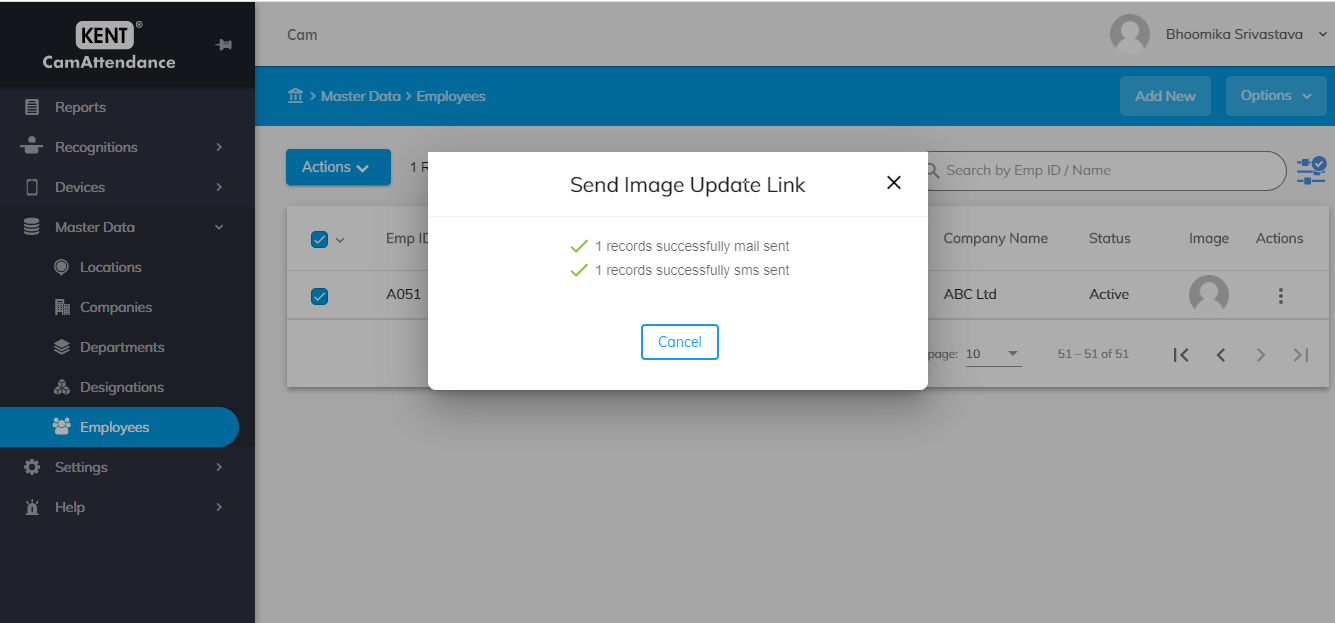
- Once the link is sent to employee they will get an update on their updated Email id & Contact number.
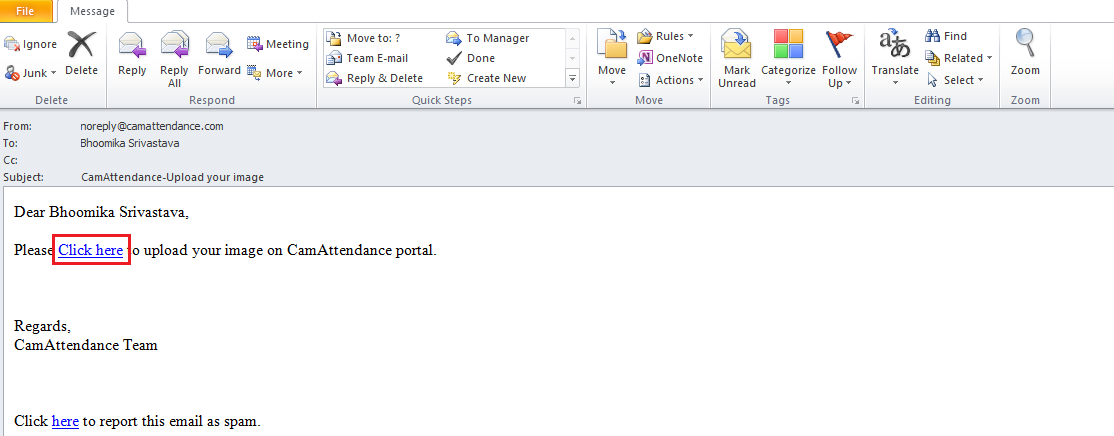
Employee can click on Link to upload their photograph.

Employee can click on option given in mail “Click here” to upload their photograph.